


Lösningar per användningsfall

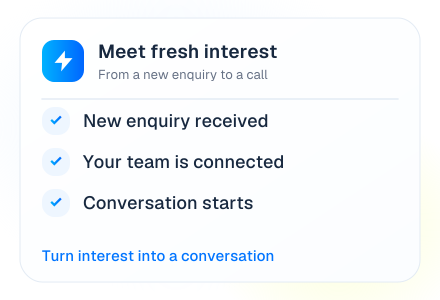
Every call.
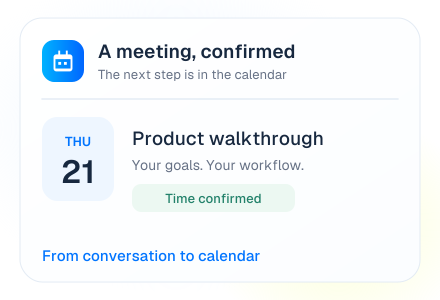
A new possibility.
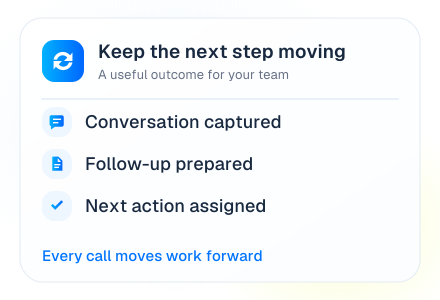
Put it in motion.

Answer, qualify, book, follow up or hand over. Explore the ways Brightcall turns a conversation into a useful next step.

17 ways to call. One connected platform.

A conversation becomes a next step
Instant callback workflowA confirmed meetingA connected follow-up
Explore by use case

What do you want
your calls to accomplish?

Browse the full library, search for a task or filter by product. Each workflow has a clear trigger, conversation and next action.

AI Receptionist & Inbound Calls

Give every caller a clear place to start.

A Voice AI Agent answers incoming calls, understands the request, responds using your approved business information and transfers to a person when needed.

  • Answer routine questions and capture caller details.
  • Route sales, service and general enquiries by intent.
  • Offer a booking, a transfer or a clearly defined next step.
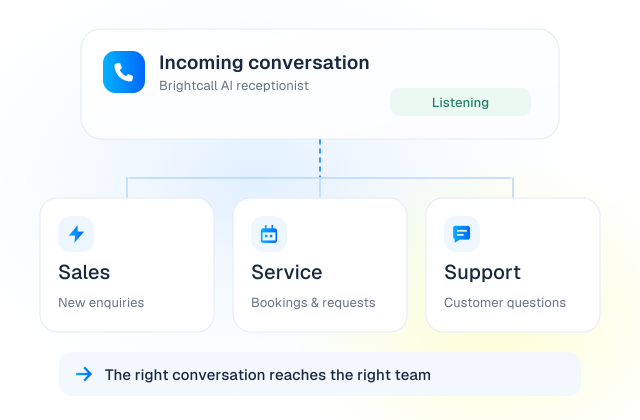
A helpful first answer

The caller is directed to the sales workflow.

Illustrative example · no live action
01Incoming call
02Intent understood
03Answer or transfer

Useful forReception, multi-department businesses and first-line enquiries.
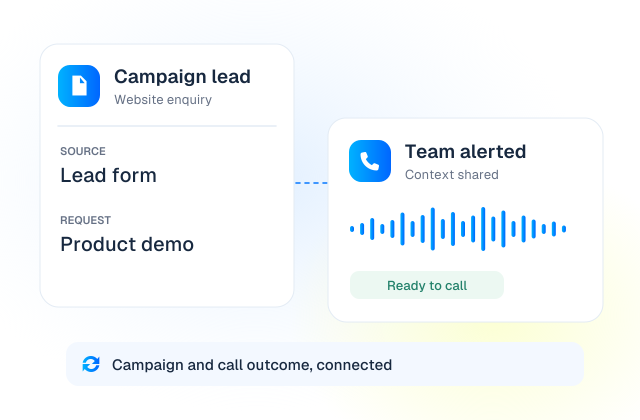
Instant Lead Response

A new enquiry should start a conversation.

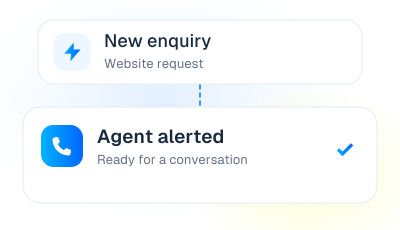
Speed to Lead starts a callback workflow as an enquiry arrives. Your team rings first; the answering agent hears a short whisper with lead context before the lead is called and connected.

  • Trigger callbacks from connected forms, campaigns, portals or CRM records.
  • Ring agents simultaneously, in order or through round-robin routing.
  • Return call activity and the assigned agent to your connected workflow.
From enquiry to conversation

The new enquiry starts calls to the configured agents.

Illustrative example · no live action
01Lead arrives
02Agent answers + whisper
03Lead is called

Useful forReal estate, business setup, home services and high-value financial enquiries.

The callback process can start within seconds. A live connection still depends on agent and lead availability, routing and network conditions.

Automated Lead Qualification

Know more before the sales conversation starts.

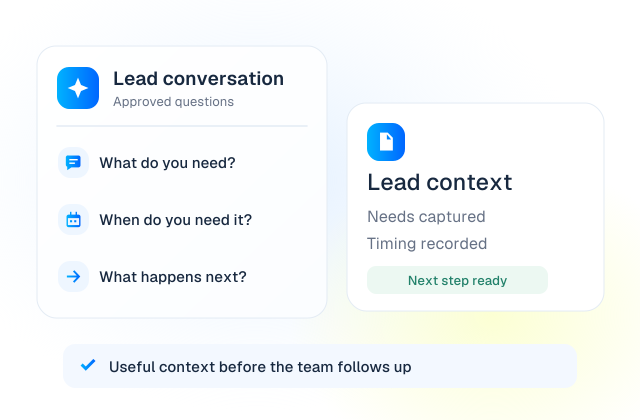
Let AI ask your approved questions, capture the answers and identify the appropriate next step using your qualification criteria.

  • Collect needs, preferences, budget ranges and timelines where relevant.
  • Apply the qualification rules your team has approved.
  • Book a meeting or transfer a suitable enquiry to a salesperson.
Context before the handoff

The AI asks your approved qualification questions.

Illustrative example · no live action
01New enquiry
02Qualification questions
03Meeting or handoff

Useful forProperty, insurance, financial services, business setup and consultative sales.

Appointment & Meeting Booking

Turn the conversation into a calendar event.

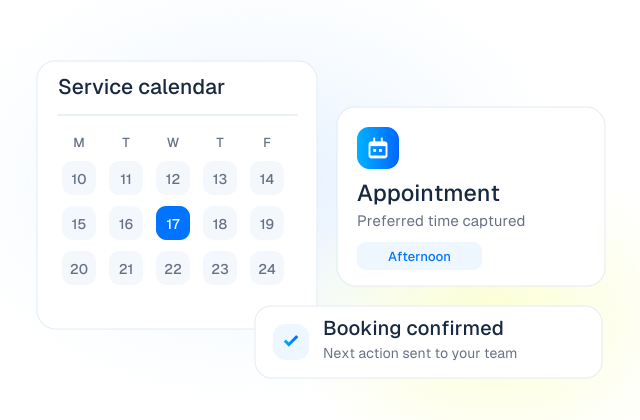
Book consultations, demos, property viewings, interviews or other appointments during the call, using availability from a connected scheduling system.

  • Capture the service, location or person the customer needs.

  • Offer available times and confirm the chosen appointment.
  • Save booking details and trigger the configured confirmation.
A conversation becomes a booking

The sample 10:00 slot is selected.

Illustrative example · no live action
01Booking request
02Availability checked
03Appointment confirmed

Useful forSales meetings, clinics, property viewings and professional consultations.

Live availability, booking changes and confirmations depend on the connected calendar and workflow.

Outbound Calling & Prospecting

Choose who should lead the conversation.

Use a Voice AI Agent for approved, structured calling campaigns, or equip your salespeople with the Dialer for conversations that need human judgement.

  • Work through authorized contact lists with a defined call purpose.
  • Capture interest, questions and the agreed next step.
  • Book a follow-up or transfer the conversation when appropriate.
An outbound campaign, with purpose

AI handles a structured, approved calling example.

Illustrative example · no live action
01Approved contact list
02AI or salesperson calls
03Next step captured

Useful forSales outreach, follow-ups and structured prospecting campaigns.

Customer Support & Call Routing

Move from the first question to the right help.

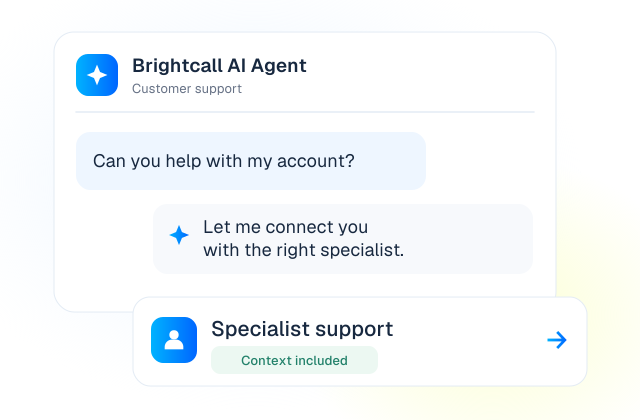
Combine AI for approved routine answers with IVR, queues and human agents for service requests that need personal attention.

  • Understand the reason for the call and collect useful context.
  • Answer from approved information or route to the relevant team.
  • Keep the call record and follow-up with the customer workflow.
The right help, not another queue

Approved knowledge is used for a routine answer.

Illustrative example · no live action
01Support call
02Answer or queue
03Resolution or next step

Useful forCustomer service teams, support desks and multi-location businesses.

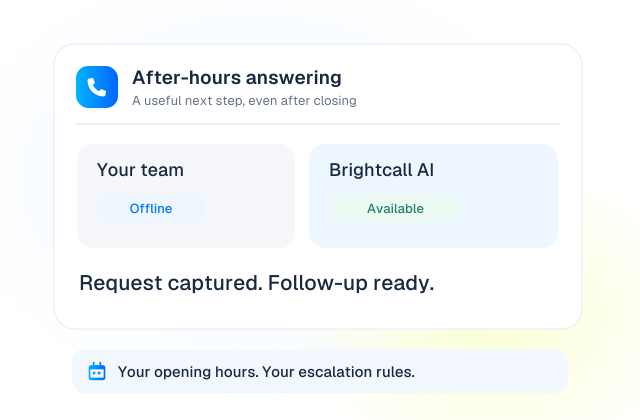
After-Hours & Overflow Answering

Let customers take a useful next step, even after closing.

Use AI to handle routine enquiries and capture requests outside opening hours or while your staff are already on calls.

  • Explain business hours and answer approved questions.
  • Collect the details needed for a callback or service request.
  • Book an appointment or escalate using your configured rules.
Even when the office is closed

The request is captured for the next working period.

Illustrative example · no live action
01Team unavailable
02AI answers
03Booking or follow-up

Useful forBusy reception teams, property enquiries and appointment-led services.

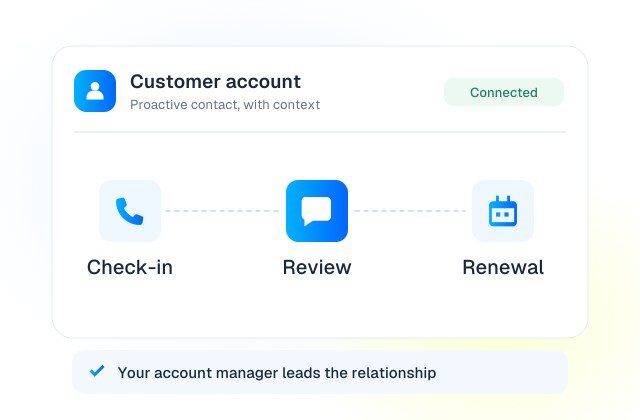
Follow-Ups, Renewals & Reactivation

Follow up with a purpose, not just another dial.

Contact customers and prospects about an agreed next step, a renewal, an unfinished enquiry or renewed interest, with clear outcomes for your team.

  • Trigger calls from approved dates, lists or CRM events.
  • Capture whether the contact is interested, unavailable or needs help.
  • Book the next conversation and update the connected record.
A reason for every follow-up

The call follows up on the existing enquiry.

Illustrative example · no live action
01Follow-up due
02Customer contacted
03Outcome & next step

Useful forAccount management, open enquiries, renewal teams and reactivation campaigns.

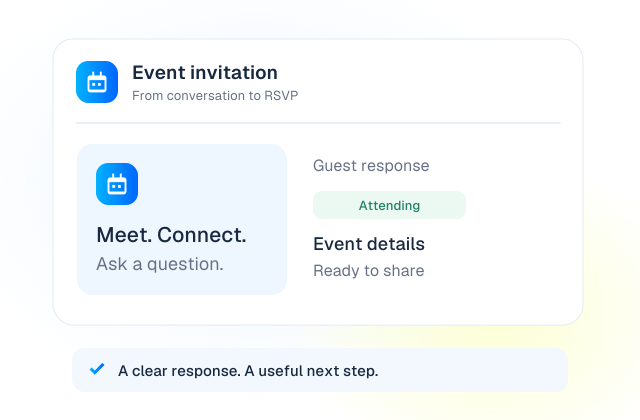
Event Invitations & Confirmations

An invitation people can ask questions about.

Have AI explain your event, answer approved FAQs and capture attendance. Follow up with invited contacts who have not yet responded.

  • Introduce the event, location, date and reason to attend.
  • Answer event questions from an approved knowledge base.
  • Record the RSVP and trigger the configured event information.
From invitation to RSVP

An attending response is recorded in the example guest list.

Illustrative example · no live action
01Invitation list
02Event conversation
03RSVP recorded

Useful forBroker events, open days, product launches and business gatherings.

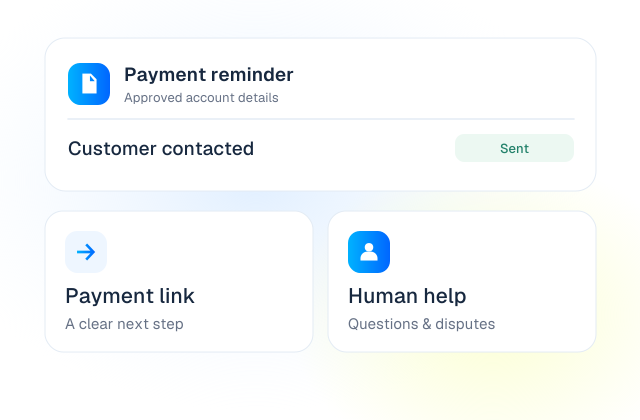
Payment Reminders & Payment Links

A reminder, an approved link and a human when needed.

Use AI for approved payment reminder conversations and send a secure, provider-hosted payment link through a connected messaging workflow.

  • Explain the reminder using only the account details permitted for the call.
  • Trigger the approved payment link or record a callback request.
  • Transfer billing questions and disputes to your team.
An approved path to payment

The demo queues an approved provider-hosted payment link.

Illustrative example · no live action
01Reminder due
02Customer reached
03Payment link or handoff

Useful forBilling teams, service businesses and account follow-up.

Payment is handled by your payment provider. Do not ask the AI to collect card details during the call.

Service & Rental Bookings

Get the details right before the booking is made.

Guide customers through booking enquiries for car servicing, workshops, home services and rentals, then book through connected systems or hand over to staff.

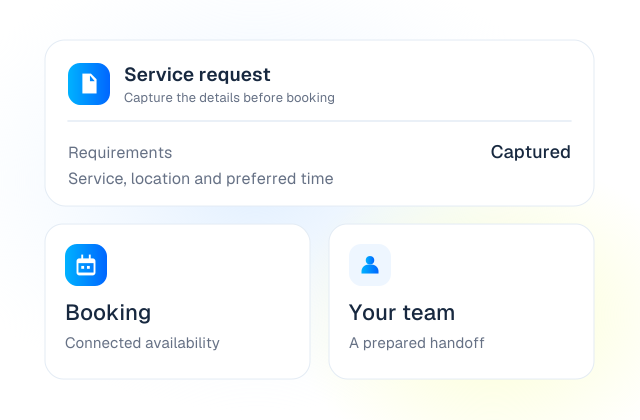
  • Collect the vehicle, job, rental dates or service requirements.
  • Check supported availability or create a booking request.
  • Confirm the next step and send the details to the relevant team.
Practical details, captured

Vehicle details and the requested service are captured.

Illustrative example · no live action
01Service or rental enquiry
02Requirements captured
03Booking or request

Useful forAutomotive, car rental, maintenance and home services.

Appointment Reminders & Rescheduling

Confirm the plan before the appointment.

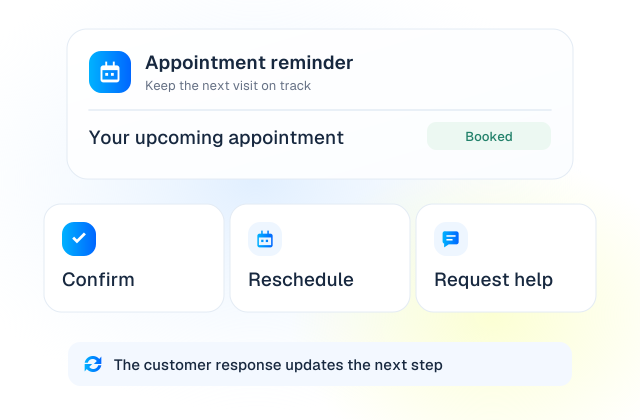
Call ahead of a scheduled appointment to confirm attendance, capture a change request or arrange a different time through a connected booking system.

  • Remind customers of the date, time and approved preparation details.
  • Capture confirmations, cancellations or requests to reschedule.
  • Update the booking workflow or hand the request to your team.
Keep the diary in step

Attendance is confirmed in this sample booking.

Illustrative example · no live action
01Appointment approaching
02Confirmation call
03Booking updated

Useful forConsultations, clinics, workshops, interviews and scheduled visits.

Power Dialing for Human Teams

Your people lead. The Dialer handles the dialing.

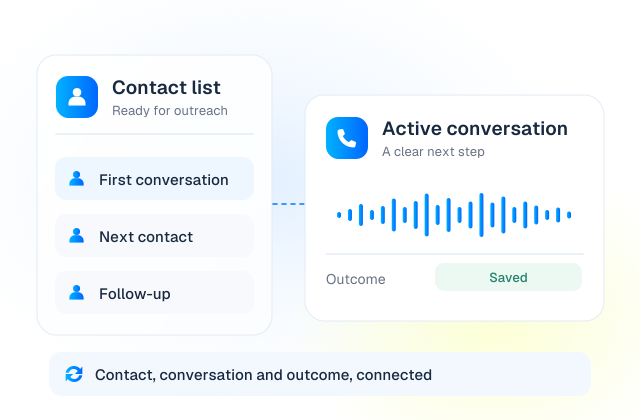
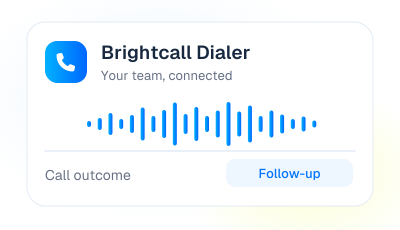
Help agents move through call lists with less manual work. Keep calling, transfers, notes and outcomes in a consistent workflow across supported apps and CRM connections.

  • Work through imported or connected lists using automated dialing.
  • Transfer calls and record outcomes for the next action.
  • Use desktop, mobile or a supported embedded CRM dialer.
Your people lead the conversation

The first sample contact is ready for the agent.

Illustrative example · no live action
01Call list
02Agent conversation
03Outcome & next contact

Useful forSales teams, contact centers, recruiters and customer follow-up teams.

CRM Updates & Call Automation

Make the call part of the customer record.

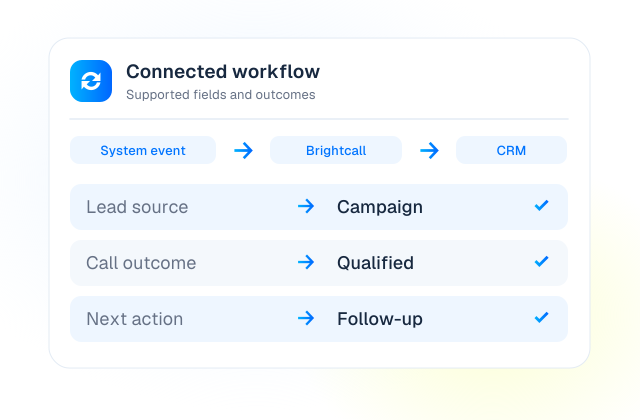
Connect triggers, customer context and conversation outcomes with your CRM. Use an existing integration where available or scope an API-based connection.

  • Start calls from agreed CRM events, forms or workflow triggers.
  • Share supported customer details and route to the appropriate owner.
  • Return call activity, notes, outcomes and configured fields.
A call belongs in the customer record

The configured event starts the call workflow.

Illustrative example · no live action
01CRM trigger
02Brightcall conversation
03Record updated

Useful forRevenue operations, connected sales teams and workflow automation.

Available fields, triggers and write-back actions depend on the integration and configuration.

Call Analytics & Conversation Intelligence

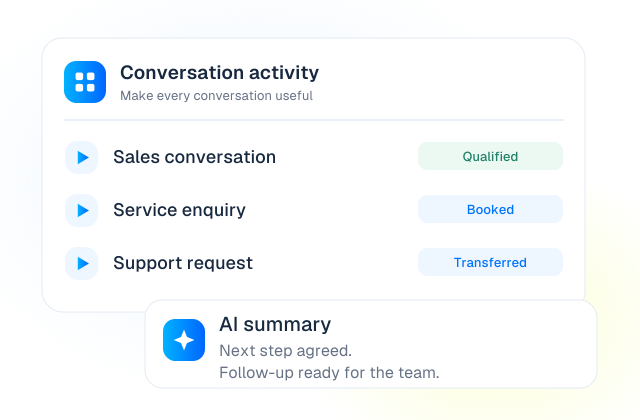
See the outcome without replaying every conversation.

Review call activity, recordings and outcomes. Add AI Intelligence for supported transcription, summaries and automatic tags that help your team follow up and improve.

  • Review calling activity, answer times and recorded outcomes.
  • Use transcripts and summaries when the relevant add-on is enabled.
  • Identify recurring questions and improve scripts, routing and follow-up.
From conversations to useful insight

Showing all 24 synthetic example calls.

Illustrative example · no live action
01Call completed
02Activity & optional AI analysis
03Review & improve

Useful forSales managers, support leaders, operations and quality review.

Conversation-intelligence features depend on the selected add-on, language and configuration.

AI-to-Human Handoffs

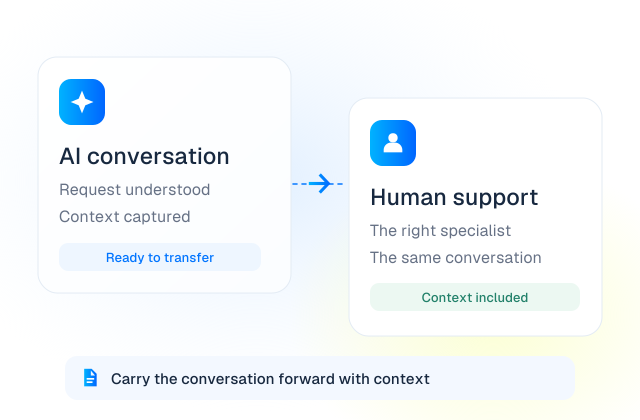
Know when the right answer is a person.

Define when the AI should stop, escalate or transfer. Let your employees lead sensitive, complex or high-value conversations.

  • Set transfer rules for intent, requests for a person and defined exceptions.
  • Route to the right team, number or callback workflow.
  • Make captured context available through supported call and CRM workflows.
The moment a person should take over

The reason for the handoff is captured.

Illustrative example · no live action
01AI conversation
02Handoff rule matched
03Human takes over

Useful forComplex support, consultative sales, financial enquiries and escalation workflows.

Customer Feedback & Check-Ins

Give customers an easy way to tell you what happened.

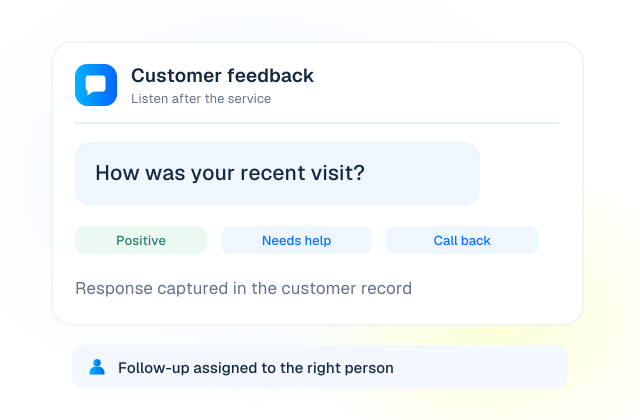
Use a short, approved follow-up call to collect feedback after a service, appointment or customer interaction and flag requests that need attention.

  • Ask consistent questions and capture the customer response.
  • Record the outcome in the configured customer workflow.
  • Send follow-up requests to the right employee.
Listen after the service

Positive feedback is recorded in the sample workflow.

Illustrative example · no live action
01Service completed
02Feedback call
03Follow-up assigned

Useful forCustomer success, service operations and account management.

No matching use cases yet.

Try another keyword or clear your filters.

Clear filters

Illustrative workflows. Available actions depend on your product, plan, region and connected systems.

The Speed to Lead workflow

A faster callback.
A better-prepared person.

Speed to Lead automates the callback process that gets your salesperson into the conversation, with context, while the enquiry is still fresh.

Explore Speed to Lead

A fast callback trigger is not a guaranteed connection time. Availability and network conditions still matter.

01

The lead submits an enquiry

A connected form, campaign, portal or CRM triggers the flow.

02

Your sales team rings

Use simultaneous, ordered or round-robin routing.

03

The answering agent hears a whisper

Share available context such as name, source and enquiry.

04

The lead is called and connected

The human conversation starts when both sides answer.

Call activity returns to your connected CRM.

Three products. One connected platform.

Automate. Accelerate.
Or put your people in control.

Not every conversation should be automated. Choose the right product for the role you need it to play.

AI Agent
AI Agent

Automate the conversation

Let AI make and receive calls, qualify enquiries, answer approved questions and arrange the next step.

  • Inbound and outbound conversations
  • Booking and connected business actions
  • Clear rules for human handoff
Explore AI Agent
Speed to Lead
Speed to Lead

Accelerate the human response

Trigger a callback as a lead arrives, alert your agents and connect the customer with a prepared person.

  • Connected lead sources and forms
  • Agent routing and whisper context
  • Call tracking and connected CRM records
Explore Speed to Lead
Dialer
Dialer

Empower the human conversation

Give your people a contact center for inbound and outbound calling, from their desk or on the move.

  • Power dialing, IVR and call routing
  • Transfers, recordings and call outcomes
  • Desktop, mobile and supported CRM calling
Explore Dialer

Start with one product. Combine them where it makes sense for your workflow.

Pipedrive
Cal.com
Calendly
Upsales
Zapier
Odoo
Zoho
Salesforce
Facebook
LeadSquared
Zendesk
Copper
HubSpot
GoHighLevel
Integrationer

Dina AI-samtal. Anslutna till dina verktyg.

Koppla kontakter, kunskap, kalendrar och samtalsresultat till verktygen ditt team använder. Driv nästa steg framåt utan att tappa samtalets sammanhang.

Utforska integrationer
Illustrative call outcomes and an optional AI summary
Make conversations useful

See what happened.
Improve what happens next.

Review call activity, recordings and outcomes in Brightcall. With optional AI Intelligence, add supported transcripts, summaries and automatic tags to make follow-up and quality review easier.

Call recordingsResponse & answer dataOutcomes & tagsLive transcription where supportedTranscripts & summariesTeam activity

AI Intelligence is an add-on. Features vary by plan, language and configuration.

Start small. Build around what works.

From a call problem
to a working workflow.

Your team brings the process. We help configure the calling workflow around it.

01

Define the outcome

Choose the call to improve and the next step it should create.

02

Connect the context

Set up knowledge, scripts, lead sources, calendars and CRM actions.

03

Test the handoffs

Review language, edge cases, routing and requests for human help.

04

Launch & improve

Start with a clear workflow, review outcomes and expand from there.

Built with information security in mind.

ISO/IEC 27001:2022-certified ISMS. Ask about data protection, access and deployment requirements.

READ MORE
A few things worth knowing

Good questions.
Clear answers.

Have a specific workflow or integration in mind? Talk it through with the Brightcall team.

Book a Demo

What is the difference between Voice AI and Speed to Lead?

Voice AI Agent holds the conversation. Speed to Lead automates the callback process: it alerts your agents, plays lead context to the person who answers, then calls and connects the lead. They solve different parts of the workflow and can be combined when configured.

Yes, through configured integrations. Live availability, booking changes, supported CRM fields and write-back actions depend on the connected systems and their available APIs.

It can trigger an approved payment link through a connected messaging workflow. The payment itself is handled by your payment provider. The calling workflow should not collect card details from the customer.

Define a transfer or escalation route for that request. The AI can hand over to your team or capture a callback request when a person is unavailable, according to the workflow you approve.

Agree the purpose, approved contact source, applicable calling permissions, calling hours, recording settings and opt-out handling before launch. Requirements vary by market and workflow; the software does not replace your own compliance review.

LET’S TALK GROWTH

Med kraft från AI.
Människan i centrum.

Ge ditt team mer tid för samtalen som gör skillnad.

BOKA EN DEMO

En demo anpassad efter ditt team.

A smiling professional in a blue shirt, ready for a conversation
Mindre rutinarbete.
Mer mänsklig kontakt.